Earlier this month our Director of Engineering, Rory Thomson, spoke at GodotCon Amsterdam 2026. The talk was called Porting Without the Pain: Setting Your Godot Game Up for Success, and it draws on what we’ve learned across years of shipping Godot for consoles and PC.
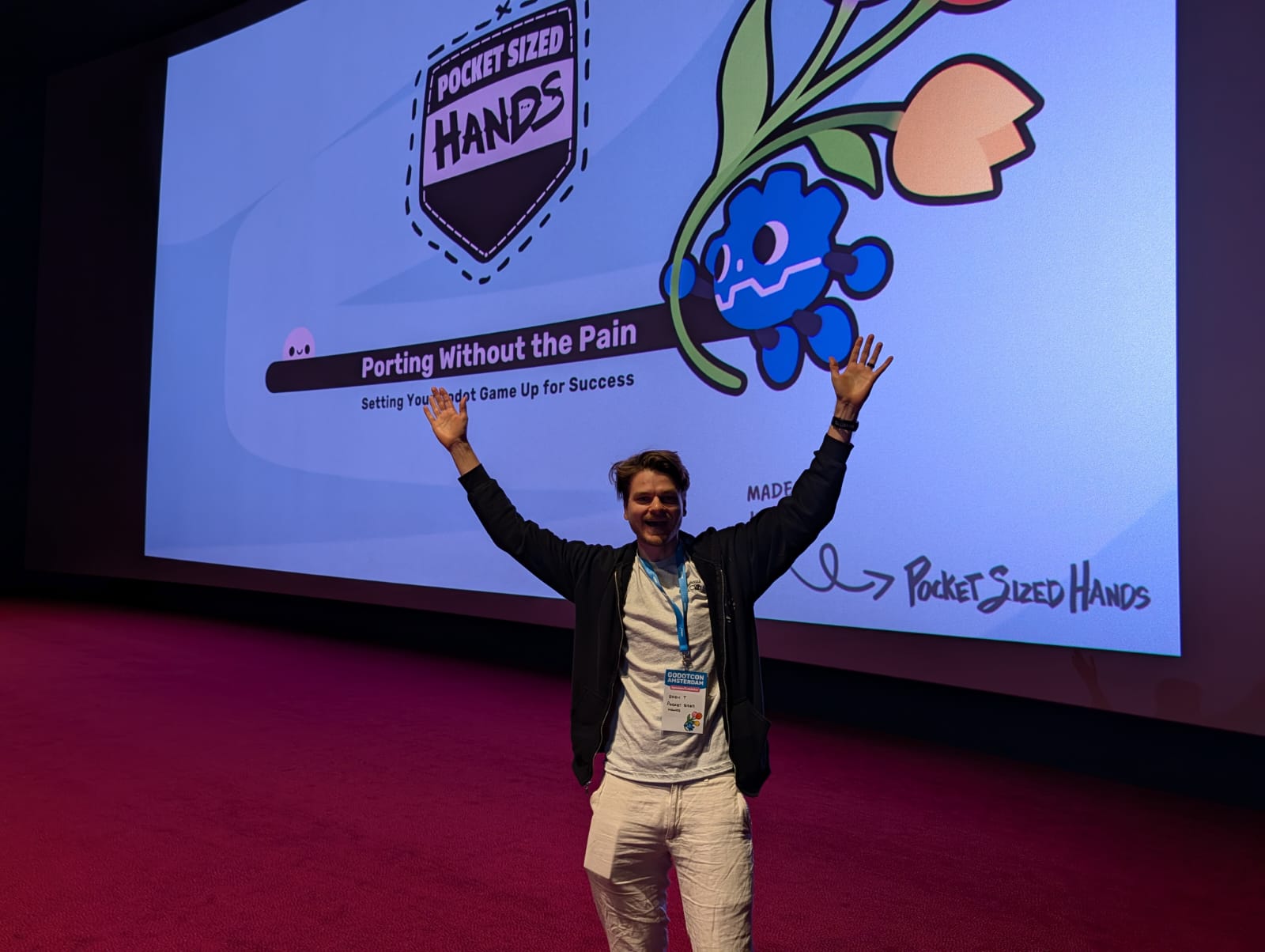
You can find the original slide from the talk here (PDF)
This post covers the key ideas from the talk.
Think about the end in mind
Our central premise is what we call porting perspective the notion that the architectural decisions you make early in development have an outsized impact on how painful (or painless) a port will be later.
The HealthCheck
We use an internal project checklist when reviewing games before porting, the HealthCheck. It covers six areas that consistently determine how smoothly a port will go and what may be of concern.
1. Optimisation and Performance
The key question: what is your lowest target? A game that runs fine on PC and even Steam Deck may struggle on Switch or older mobile hardware.
- Identify worst-case scenarios early, the most complex scene, the most entities on screen at once
- Understand memory restrictions on your target platforms
- Audit load times in particular one without load screen,
- Review current frame rate
2. Rendering
Godot offers three rendering backends: Forward+, Mobile, and Compatibility. Choosing the wrong one for your target platform can mean significant rework later.
- Forward+ is the most capable but not suitable for all platforms
- Mobile and Compatibility modes trade features for broader hardware support
- Plan for fallbacks — if a visual effect isn’t supported on a target platform, does the game still look intentional without it?
3. Controller and Input
Console ports live and die by their input handling.
- Are your input mechanisms controller-compatible from the start?
- Does your UI support full gamepad navigation?
- Are you handling iconography swapping — showing PlayStation glyphs on PS5, Switch button icons on Switch?
- Is your input management flexible enough to accommodate different controller schemes per platform?
- Are you also planning on supporting controller remapping?
Godot’s InputMap is well-suited to this, but only if you’ve built your game to use it cleanly from the start rather than hardcoding keyboard assumptions throughout.
4. Serialisation and Save Systems
Save systems are a surprisingly common source of porting pain:
- Platforms have different expectations around save locations, permissions, and cloud sync
- Avoid assuming instant reads/writes — some platforms require async save handling
- Saving or loading too frequently can cause platform certification failures
- Large numbers of save files can cause issues on platforms with restricted storage
5. Localisation and Terminology
- Is a localisation system in place from the start, or are strings hardcoded throughout?
- Platform terminology needs careful attention — “Trophy” on PlayStation, “Achievement” on Xbox for example. Terminology mapping is always going to be a concern if not setup correctly.
6. Audio, UI, and Everything Else
A few final areas that consistently catch studios off guard:
- Audio: Mix loudness requirements differ by platform — certification will fail if you’re too loud. Also check whether any audio middleware you’re using (FMOD, Wwise) is supported on your target platforms at its current sdk verions.
- UI: Does your UI scale correctly across different resolutions and aspect ratios? Switch for example needs to be readable down to 480p, Console UIs also requires full gamepad navigation and robust state handling
- Miscellaneous: DLC, online features, achievements, platform-specific overlays — the list grows quickly. Better to know early which of these are in scope
Scripting: Choose Wisely
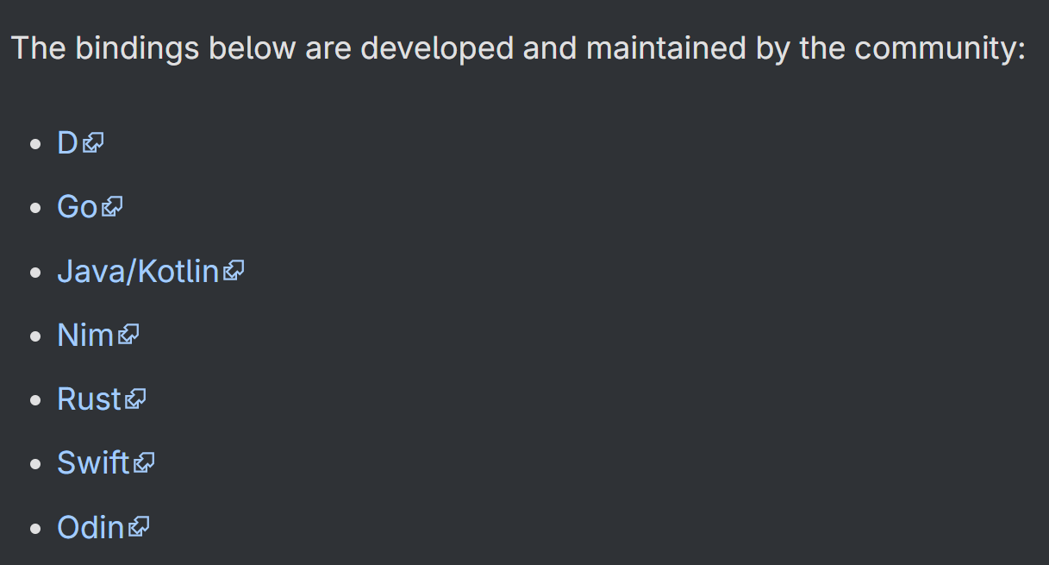
The scripting approach you choose has direct consequences for which platforms you can target:
| Approach | Notes |
|---|---|
| GDScript | Built for the engine, best supported across all platforms |
| C# | Relies on the .NET runtime, which is not available on all platforms |
| GDExtension | Requires compiling platform-specific binaries for each target |
GDScript is the path of least resistance for getting Godot for consoles. If you’re using C# or GDExtension, verify early that your approach is viable on every platform you’re targeting or understand the tradeoffs. Finding out at the end of development that your scripting choice blocks a platform is an expensive discovery.
A Practical Pattern: Feature Tags
One pattern we use heavily is abstracting platform-specific systems behind an interface, then using Godot’s feature tags to select the right implementation per platform. The talk walked through a complete example using achievements.
The naive approach then and why it breaks
The obvious starting point is calling the Steam plugin directly from your game code:
extends Node
class_name GameManager

func _ready() -> void:
    Steam.unlock_achievement("my_achievement")
This works fine in a Steam build. The problem appears the moment you try to export for a platform that doesn’t have the Steam plugin. Godot can’t resolve the Steam class and throws a parse error before your game even runs:
SCRIPT ERROR: Parse Error: Could not resolve class "Steam", because of a parser error.
    at: GDScript::reload (res://test.gd:4)
ERROR: Failed to load script "res://test.gd" with error "Parse error".
Step 1: Conditionally load the plugin using feature tags
Godot’s export presets have a Features tab where you can define custom feature tags. Create a Windows Desktop - Steam preset and add steam as a custom feature. Then in project.godot, scope the plugin so it only loads when that tag is present:
[editor_plugins]

enabled=""
enabled.steam=PackedStringArray("res://addons/steam/plugin.cfg")
Now the Steam addon only loads in Steam builds. But your GameManager still references Steam directly — so you need one more step.
Step 2: Abstract behind a platform base class
Create a PlatformBase script that defines the interface every platform must implement:
extends Node
class_name PlatformBase

func get_platform_name() -> String:
    return "Base"

func unlock_achievement(achievement_name : String) -> void:
    print("Platform Base Unlock Achievement: " + achievement_name)
Then create a PlatformSteam subclass that delegates to the real Steam API:
extends PlatformBase
class_name PlatformSteam

func get_platform_name() -> String:
    return "Steam"

func unlock_achievement(achievement_name : String) -> void:
    Steam.unlock_achievement(achievement_name)
Step 3: PlatformManager wires it together at runtime
PlatformManager uses OS.has_feature() to detect which build is running and loads the right script — no hardcoded platform references anywhere else in the codebase:
extends Node
class_name PlatformManager

enum PlatformType { NULL, STEAM }

static var platform_instance : PlatformBase

static func get_platform_type() -> PlatformType:
    if OS.has_feature("steam"):
        return PlatformType.STEAM
    return PlatformType.NULL

func _enter_tree() -> void:
    var platform_script
    match get_platform_type():
        PlatformType.STEAM:
            platform_script = load("res://scripts/platform/steam/platform_steam.gd")
        _:
            platform_script = load("res://scripts/platform/platform_base.gd")

    platform_instance = platform_script.new()
    add_child(platform_instance)
    print("Initialized Platform: " + platform_instance.get_platform_name())

static func unlock_achievement(achievement_name : String) -> void:
    if not platform_instance:
        pass

    platform_instance.unlock_achievement(achievement_name)
Step 4: Game code is now platform-agnostic
GameManager no longer knows anything about Steam:
extends Node
class_name GameManager

func _ready() -> void:
    PlatformManager.unlock_achievement("my_achievement")
The output changes automatically based on which export preset was used:
# Steam build
Initialized Platform: Steam
Unlocking Steam Achievement: my_achievement

# Non-Steam build
Initialized Platform: Base
Platform Base Unlock Achievement: my_achievement
Adding a new platform if that’s a console, Epic Games Store, Google Play. All you need to do is create a PlatformX subclass and a new branch in PlatformManager. Nothing else in the codebase needs to change.
The Takeaway
The studios that find porting easiest aren’t necessarily the most experienced. They’re the ones that made a few key architectural decisions early:
- Know your lowest target platform before you start optimising for your highest
- Use GDScript unless you have a compelling reason not to
- Build input handling, save systems, and localisation to be portable by default
- Know your platform requirements before you hit certification
Getting Godot for consoles right isn’t just about the technical lift at the end it’s about the decisions you make on day one.
Ready to bring your Godot game to console? Get your free HealthCheck today.